Teach your kids to focus on the good... Get your tween or teen involved in this completely inspiring Words of Gratitude project. A big thank-you to Animoto for sponsoring today's post; they're officially one of my favorite Fall Finds—Click here to see why for yourself.
Teaching gratitude to little kids is simple. There are literally HUNDREDS of ideas online for children's gratitude crafts and activities. But this year, I went online in search of gratitude activities for older kids. I was extremely disappointed by how lame most of the suggestions I found turned out to be.
I feel like I'm constantly being bombarded by articles about how we're raising an entitled generation. Yet, resources on how to teach gratitude seem to come to a screeching halt for tweens and teens.
It's important that—at this age more than ever—our children learn that...
Gratitude makes sense of our past, brings peace for today, and creates a vision for tomorrow. -- Melody Beattie
Earlier this year, I was inspired by an amazing collaborative photography project about Lake Superior called Words for Water. This fall, I'm following suit and doing a similar teen-focused gratitude activity called Words of Gratitude with my two tween daughters. I hope you'll consider joining us.
Here's what we're up to...
OUR JOINT MISSION
The mission of our family's Words of Gratitude project is: To inspire a sense of gratitude in ourselves, our families, and others.

THE GAME PLAN
It all starts with filling in the blank to this statement:

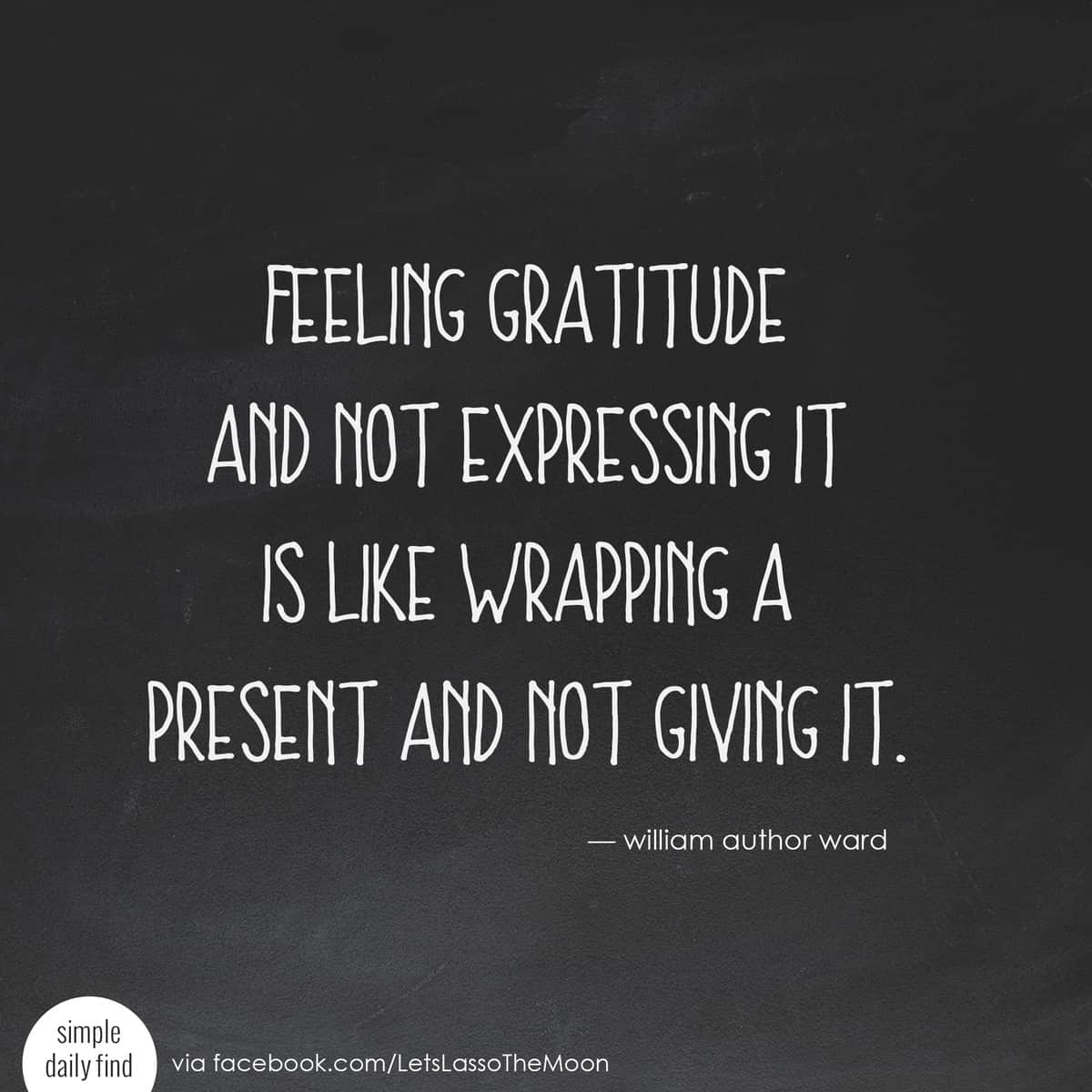
Every day, write down one thing you are thankful for and take a photograph of your answer. Then find a way to SHARE your gratitude. After all...
This year, I'll be sharing my daily gratitude photos with friends on Facebook. Then, at the end of month, the girls will use our family's collection of images to create a gratitude video (using an insanely easy video tool called Animoto) to share with our extended family before Thanksgiving dinner.
Short on time and want to hear more about our Thanksgiving video? Click here to skip past the how-to section and read about the resulting "Words of Gratitude" video.
If you're not sure how you want to structure your own family's gratitude project, don't worry. There are a variety of sharing ideas listed below. We each need to decide what's a good fit for our families.

IMPORTANT NOTE: Friends, our family will be starting this gratitude project on November 1 and sharing Words of Gratitude photos for 22 days, but YOU can start the project at any time. It doesn't matter when you begin. Please join us whenever you can!
HOW TO GET STARTED
Your Words of Gratitude project will involve three simple steps:
1. Get your family on board.
I'm not sure how things go down at your house, but at mine, if I tell the kids we're doing something, it meets automatic resistance. If, however, I mention to my daughters that this is a family project I'm excited to do and that "I'd appreciate it if they'd be willing to help," I tend to get better results.
This time, I attempted to get them to take more ownership of the family project by giving them creative control. Here are a few questions that might help get the conversation rolling:
- Do you think we should write our Words of Gratitude on a chalkboard, on paper, or on index cards?
- I think we should set a daily alarm on the phone so we don't forget to take a picture each day. Which alarm sound should we set the phone to? And what part of the day do you think is best for us to try to squeeze this in?
- Do you think it would be more fun to have just our family do this, or should we see if your cousins want to do it with us, too?
If they scoff at the idea, you might still consider getting started on your own.

2. Get supplies.
You know your family best. What will inspire them (and you!) to participate?
*This post contains affiliate links
Below are three variations of the project to choose from:
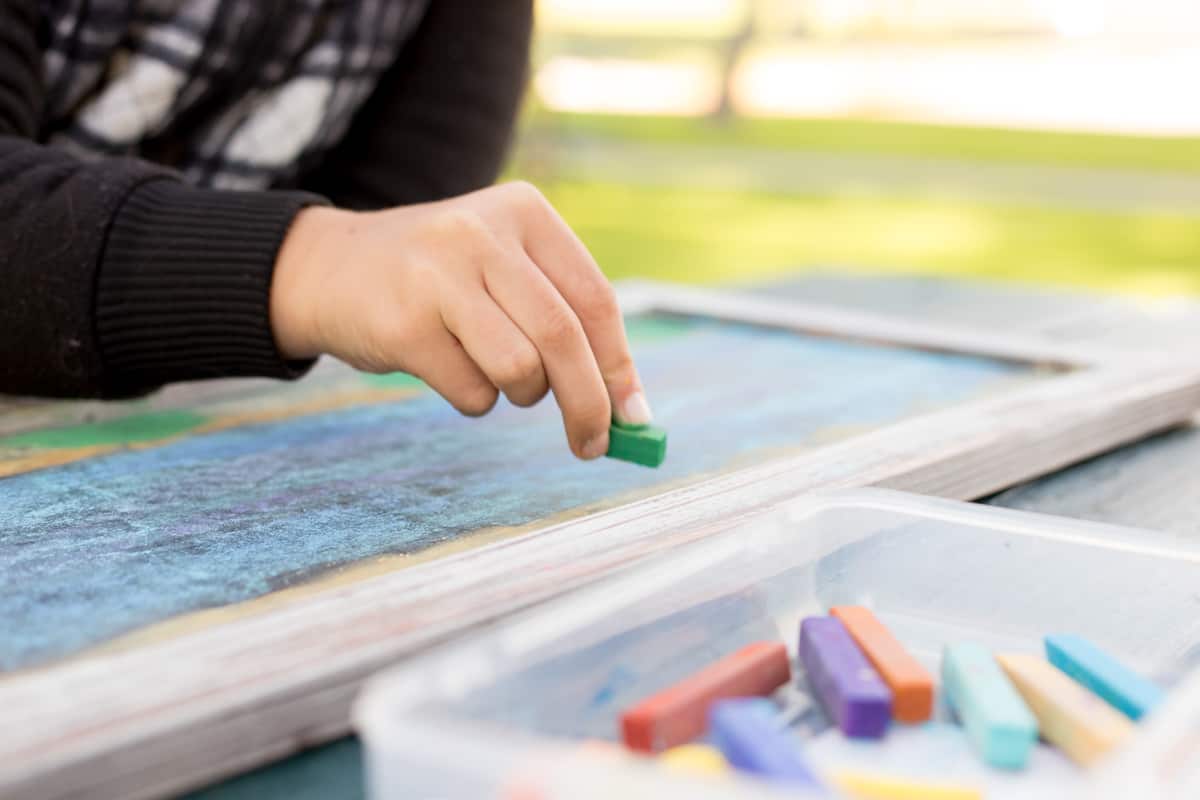
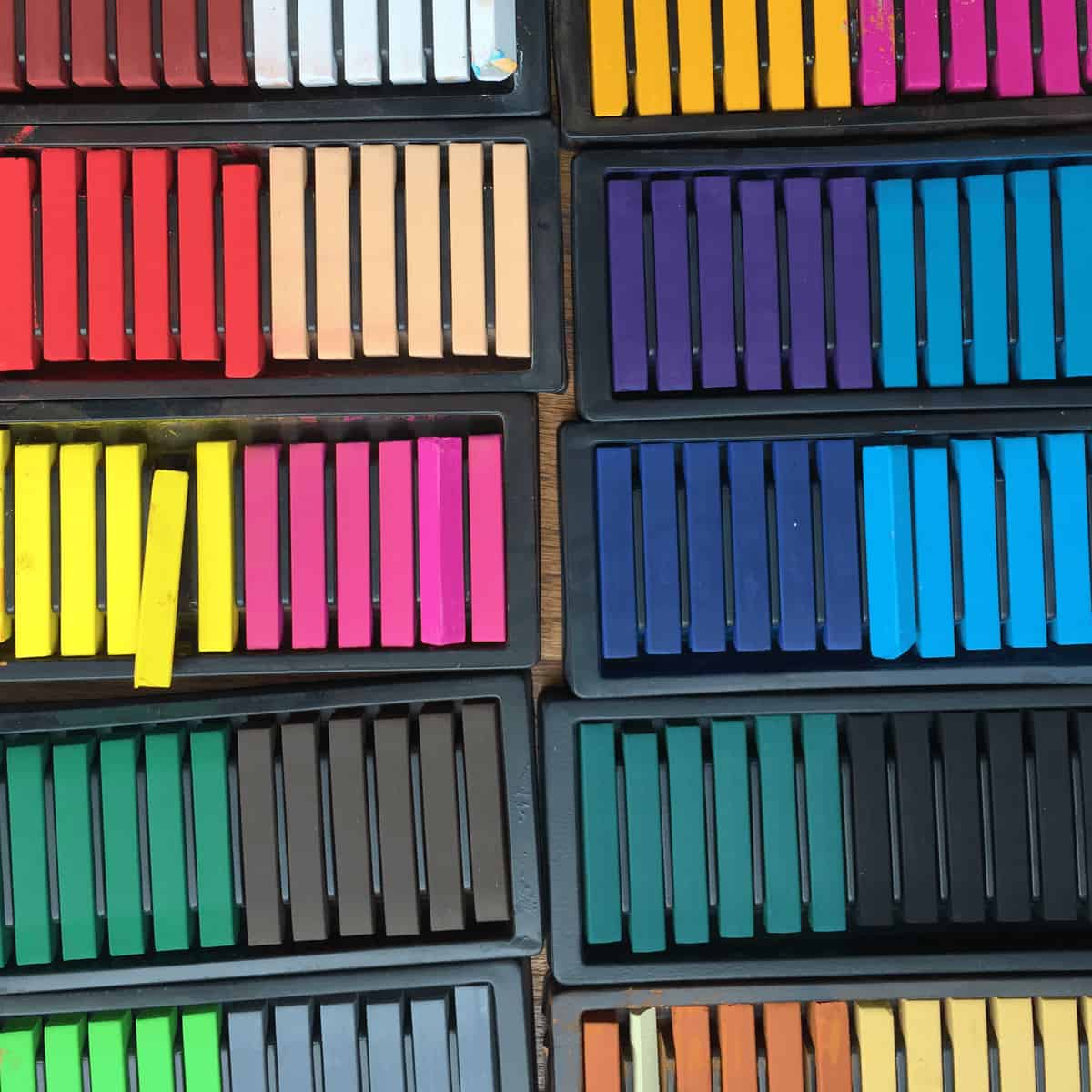
CHALKBOARD: If you were inspired by the chalkboard imagery in these videos like I was, considering popping over to your local craft store (or onto Amazon) and getting yourself a chalkboard and some chalk pastels. Skip the kids' chalk and be sure to purchase chalk pastels. Their vibrancy will inspire creativity, plus your Words of Gratitude will be easier to read in your photographs.
CARD-STOCK PAPER: If you're not interested in investing in a chalkboard and pastels, consider simply buying a pack of white card-stock paper online or at your local office-supply store and using colored Sharpies to write out your Words of Gratitude. To ensure your photographs are legible, be sure to use a thicker marker, like Chisel-Tip Sharpies.
INDEX CARDS: Sometimes it's best to follow the KISS (Keep It Simple, Sweetie) method. Grab a $1 pack of blank (unlined) index cards the next time you're out shopping, and you'll be all set. Again, to ensure your photographs turn out, use a thicker marker (like Chisel-Tip Sharpies) when writing your Words of Gratitude.
Of course, you can also MIX-AND-MATCH. There's no need to go out and purchase NEW supplies for this project. Use what you have on hand!
3. Take a daily photo.
Think about this statement:
Today I am thankful for __________.
Each day, write ONE THING you are grateful for on your chalkboard, card stock, or index card. This is where you can get a bit creative...
The answer can be photographed at home or out in the world.
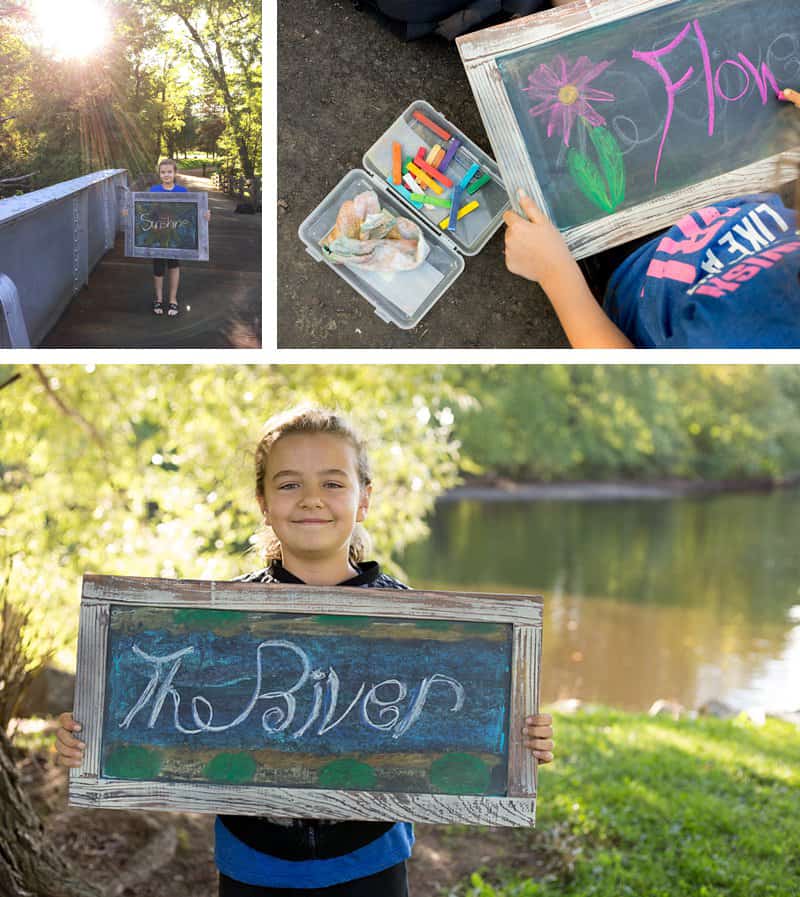
You can simply write (or draw!) what you're thankful for.
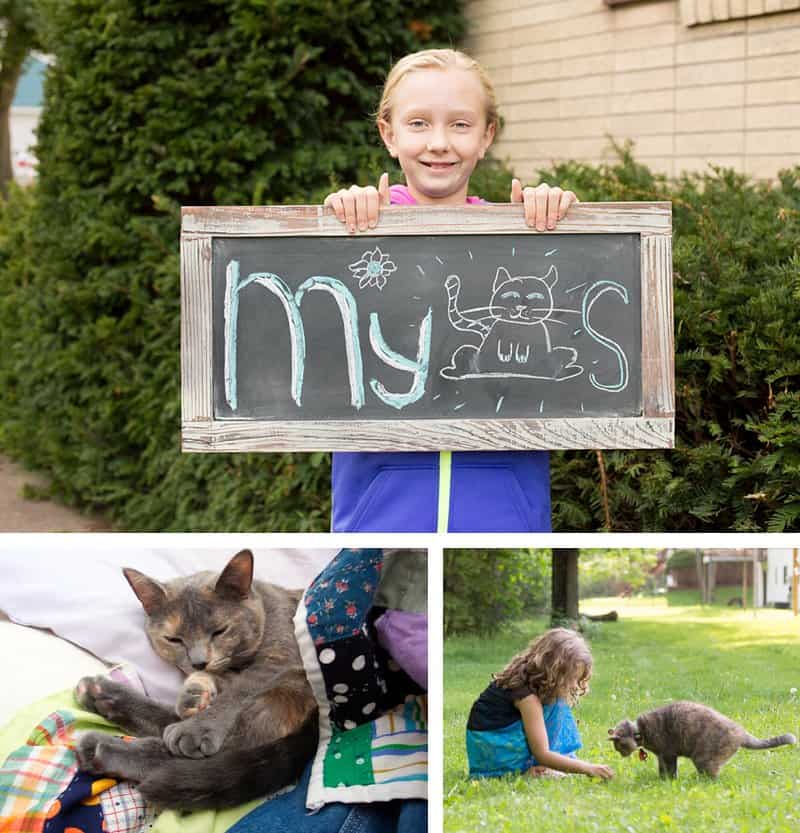
My girls do love their cats...
^The girls made this collage video with Animoto. They think the end is hilarious.
Or you can decorate your answer.
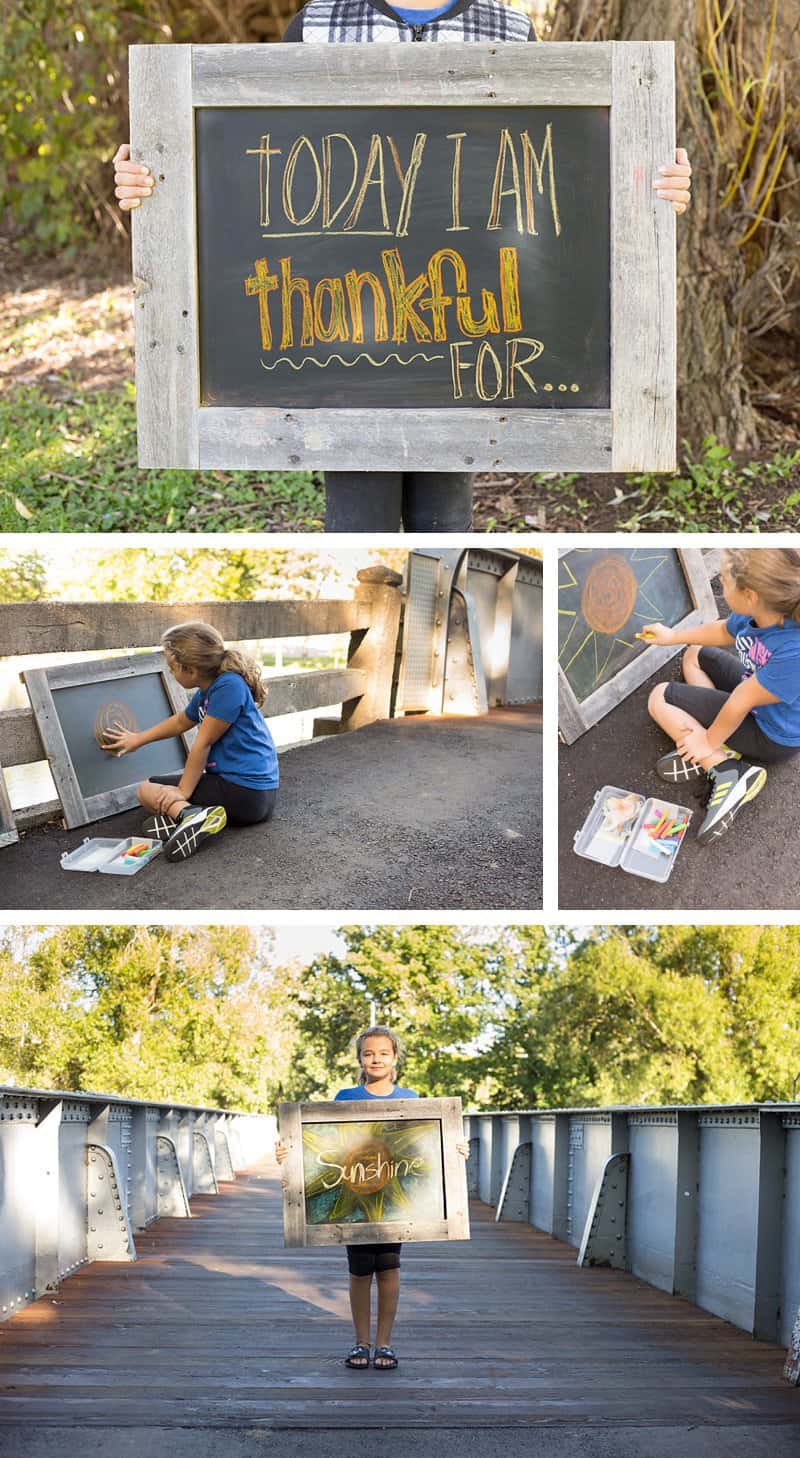
To keep things simple, I recommend using your phone for your daily photograph. After all, I always say, "The best camera is the one you have with you." Plus, your photos will all be organized and in one place. Be sure to set a daily reminder!
INSPIRE OTHERS
After all, gratitude is contagious...
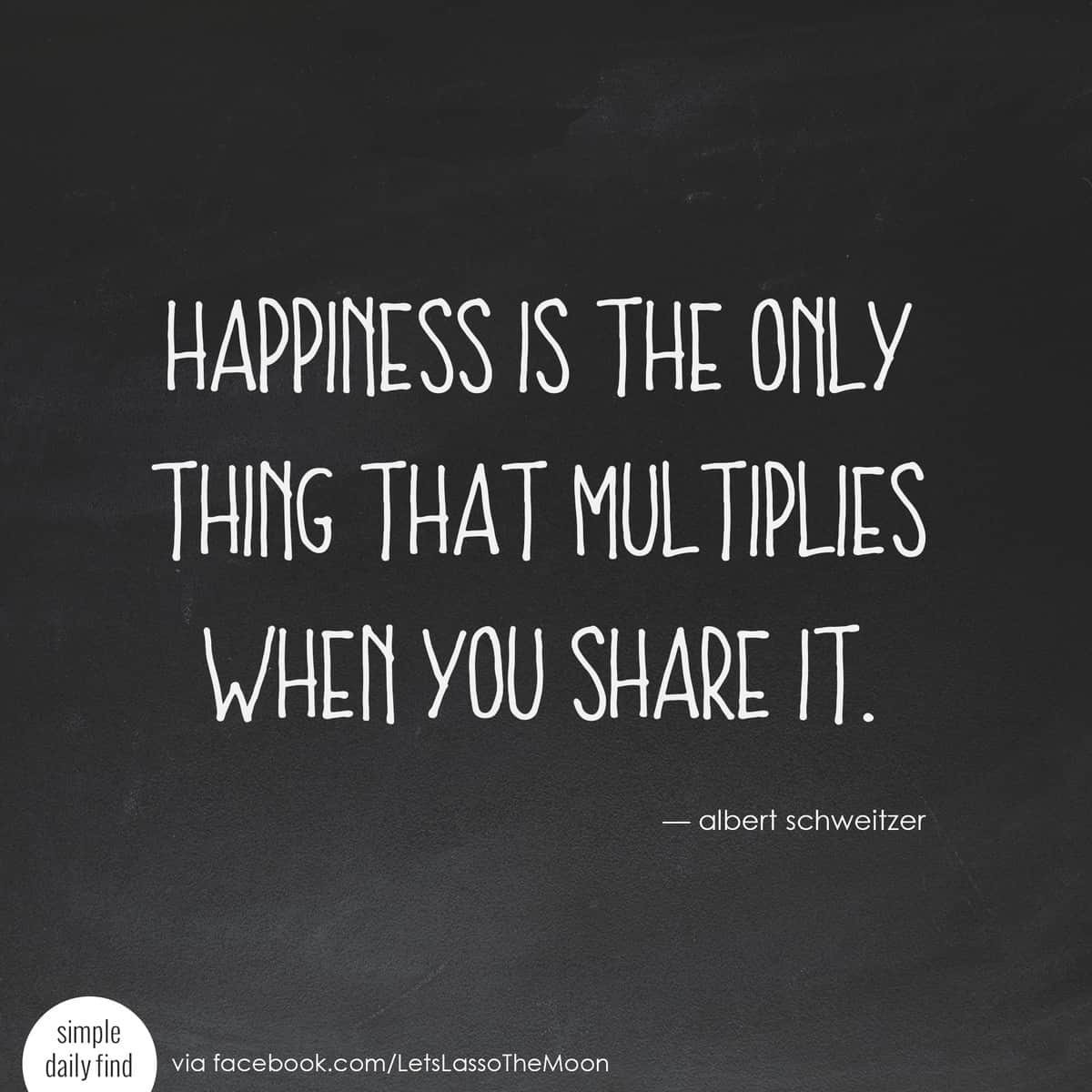
Places to Share Your Gratitude
There are so many fun ways you (and your kids!) can SHARE YOUR GRATITUDE with the world...
INSTAGRAM: Share your daily photos with friends and family on Instagram using the hashtag #WordsOfGratitude.
FACEBOOK: Create an ongoing photo album or share your daily Words of Gratitude on your timeline each day. Be sure to tag friends or loved ones if your photo of the day is about them! *Please feel free to also share your photos with me publicly on the Let's Lasso the Moon blog Facebook page. I'd love to see them!
TEXT: Make a friend's day by sharing a "Today I am thankful for..." note paired with a Words of Gratitude photo of them sent via text message.
VIDEO COLLAGE: Combine all of your photos together to create a video to share with your friends and family.
An Interactive Thanksgiving Tradition
This year, our family is going to do something a little bit different for Thanksgiving... My girls will be taking our collection of written Words of Gratitude and our photographs and creating a special video for our family to watch together before the holiday feast. Just imagine all the conversations this will spark at the dinner table afterward!
I'm excited to work with them on this photography project all month and then pass the video-making portion over to them. That way, I, too, will be surprised by the Words of Gratitude video they create. They'll be using the drop-and-play editing tool Animoto to make our family THANKSGIVING VIDEO.
Here's a sneak peak, created with a few photos we've taken so far...

To be honest, Animoto is so freaking cool. I'm so excited to share it with you that I almost don't know where to begin.
A photography friend introduced me to the editing software last month, and I sort of gave her a half-hearted, "Yeah, yeah, that's neat." I mean, truth be told, I have 101 different video-editing apps on my phone already, and I'm pretty satisfied with iMovie on my Mac. So, I kind of ignored her as she went on and on about "how easy Animoto is to use" and "how gorgeous the videos" turn out.
BUT then it happened... I watched her "produce" a jaw-droppingly beautiful video in 3 minutes flat. Unbe-flippin'-lievable.
I'm serious—this vacation video took 3 minutes to make. I couldn't believe it as I watched her do it. She simply did a photo drag-and-drop and pressed Play.
Bammo. Done.
Now, I'm not a big fan of being on the receiving end of an "I told you so" remark, but in this scenario, I had to take it. I sat and let her tease me about my audible gasp that slipped out upon witnessing the simplicity of it all. Let me just say... It was totally worth the ribbing. I'm SO EXCITED to try Animoto myself—with our own family photos from a recent vacation.
The first time I opened Animoto on my laptop, my daughter (who's 12) happened to be in the room with me. Both of my girls have expressed a recent interest in photography, so I was excited to show my tween just how FAST we could make a video together. As I was logging in to the trial account, the timer on the microwave went off. I excused myself to make a cup of Wild Sweet Orange tea (my autumn favorite!) and when I returned, my daughter had already made this video—solo—with some vacation photographs sitting on my desktop...
In the 2 minutes it took my tea to steep—and without any instructions, mind you—she had intuitively made this awesome video all on her own. That's how simple Animoto is to use.
OK, OK—I'll stop rambling now and give you the 411.
Try Animoto
I'd love for you to try Animoto with YOUR OWN family photos. You can get a FREE TRIAL of Animoto. Just a quick FYI... It does *not* require a credit card to sign up. The only real caveat is that the videos created during the free trial will be watermarked.
This is what I want you to do: Stop reading, sign up for your Animoto trial right now and then follow these three steps:
- Pick a theme.
- Upload a few random photos from your computer or phone.
- Select Preview.
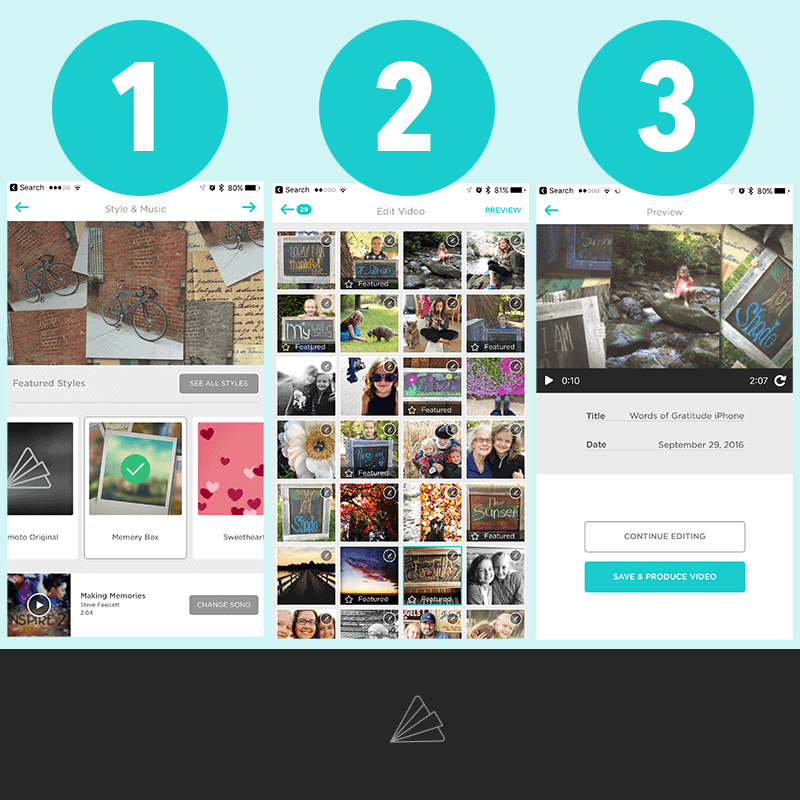
Don't spend a lot of time looking for the perfect images. Just literally grab a handful of photos, select Preview, and watch the magic happen.
I double-dog-dare you to try this and *not* be blown away by the power of combining music, movement, and photos of your loved ones in no time flat. With each new video that I (or my daughters) create, I am just awed.
Quick tip: If you want to see a more detailed look at each of the aforementioned steps for creating videos, you can check out the full tutorial right here on Animoto’s site.
Once you've created your first on-the-fly video, take a moment to look around. There are fun ways you can customize your video, if you wish. Simple things like changing the photo order, updating the background music, adding photo captions, designating featured images, and more. Although, I have to tell you, nine times out of ten, I'm pretty happy with how the video turns out without making any edits.
BE INSPIRED
If you think you might be interested in using your Words of Gratitude photos to create a video with your family this Thanksgiving too, I'd love for you to join me in the private Animoto Video Storytellers group on Facebook this autumn. Here's a little info about the free group:
What is Animoto Video Storytellers? The Animoto Video Storytellers group was designed to inspire and motivate you to share your life through video. Our Facebook Group provides a community where we can support each other by sharing videos, ideas, and stories.
Why should I join? If you love sharing your family, your life, or your interests (or if you want to preserve your memories using video), this group can help you craft your ideas into visual stories that can be shared and saved for years to come. We’re here to help you and support you as you create your videos. You’ll also be inspired by other Animoto users as you craft your own videos.
In other words, it's a great place to be inspired and ask questions while working on your Words of Gratitude project. You're welcome to join the group if you're using the free trial version, too.
One of the best things about our kids growing into tweens and teens is that they're old enough to participate in a more elaborate family gratitude project. I love that this gives our family an opportunity to focus on the good.

Will you join us?

P.S. If you have ANY questions, let's chat in the comments below or in the Animoto Video Storytellers group on Facebook. Again, a big thank you to Animoto for sponsoring today's post. Be sure to follow them online for more creative inspiration: Website | Facebook | Twitter | Pinterest | Instagram
 |
 |
 |
 |
 |
|
 |
|||||
Disclosure of Material Connection: This is a “sponsored post.” The company who sponsored it compensated me via a cash payment, gift, or something else of value to write it. Regardless, I only recommend products or services I use personally and believe will be good for my readers. I am disclosing this in accordance with the Federal Trade Commission’s 16 CFR, Part 255: “Guides Concerning the Use of Endorsements and Testimonials in Advertising.”